
Canva: Get Creative with these Latest Features

Canva has had an incredible year, constantly striving to enhance its tools and elevate the Canva community’s experience. Unleash your creative potential and see what Canva has in store for you!
It’s no secret that the past year has been a significant one for Canva. From the introduction of Canva’s Visual Suite to the launch of the Brand Hub and an impressive lineup of AI-powered Magic tools, Canva is immensely proud of the progress made on its mission to empower the world to design. The community’s ability to bring creativity to life through a diverse range of Canva’s new products, including Docs, Whiteboards, Presentations, Videos, and Websites, has been truly remarkable. Canva remains dedicated to continuously enhancing its tools to optimise the community’s experience on the platform.
Recognising the rising tide of social media trends and channels, as well as the challenges faced by marketing teams with tightening budgets, Canva understands the importance of equipping users with the necessary tools to streamline workflows and maximise impact. In an increasingly bustling digital marketplace where consumers actively seek attention-grabbing visuals, Canva’s latest features serve as valuable resources to stay ahead of the curve and unleash creative potential.
Say hello to Cinematic Transitions
Canva recognises the dominant role of video content in the realm of social media. However, creating different formats and adapting to the varying paces required by different platforms can be a time-consuming and challenging task. Additionally, keeping up with last-minute trends often involves working with a diverse range of footage, which may pose difficulties in achieving a cohesive result. Introducing Cinematic Transitions, a groundbreaking feature within Canva’s Video Editor designed to elevate your storytelling by seamlessly connecting separate video clips or adding movement to static shots.
Irrespective of the pace you aim to achieve, these transition effects ensure consistency in the mood and theme of your content. They offer a hassle-free means to capture consumer attention and enhance engagement. The benefits of Cinematic Transitions extend beyond video production and can also be utilised in Canva’s Presentations. With just a few seconds, you can give your content a professional polish, adding that extra touch of refinement.
Your most-used apps, available in Canva
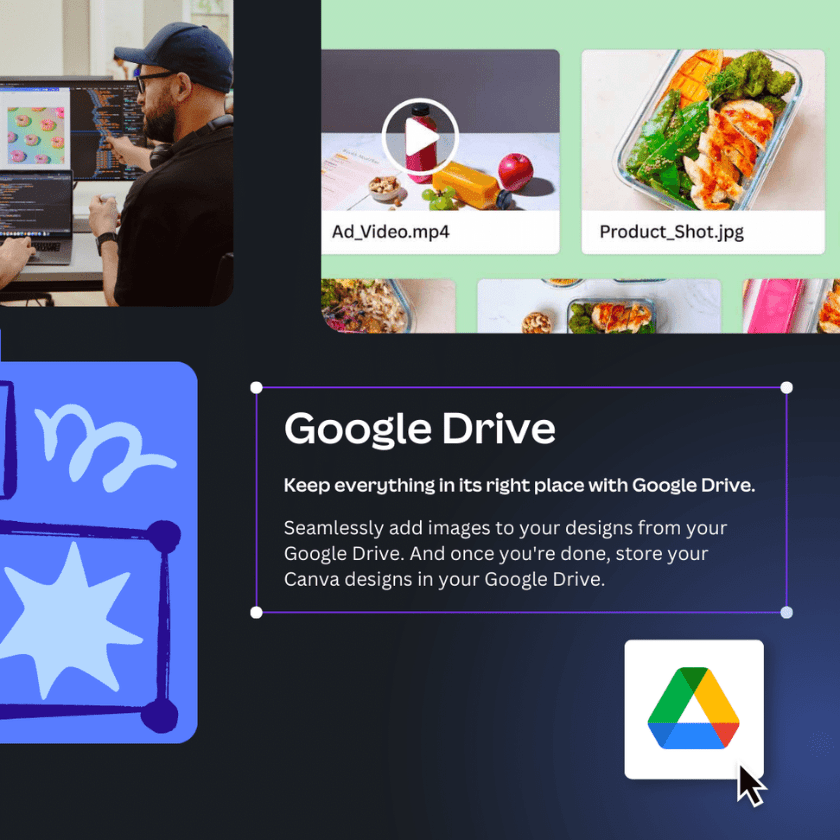
In today’s increasingly digital landscape, marketers rely on a diverse array of apps to navigate their workday. Canva takes pride in empowering these professionals by providing over 300 Canva Apps and Integrations, allowing them to supercharge their design tools and streamline workflows. Popular apps like SharePoint, Slack, and Google Drive seamlessly integrate with Canva, providing effortless access and integration within design toolkits.
To further enhance the user experience, Canva has recently introduced 9 new apps to the platform in just the past month. These additions include D-ID AI Presenters, Sharepoint, and Dynamic QR Codes. Exciting upcoming apps include the ability to publish magazines directly from Canva to Issuu and generate unique audio through AI-powered apps like Soundraw and OctAI. With a wide range of productivity apps like Box and asset libraries such as Canto and Bynder, Canva offers numerous avenues to optimise workflows and seamlessly connect content libraries to designs, eliminating the need to switch between applications.
Publish directly to LinkedIn
Canva has always valued the feedback and insights from its community. One pain point that has been consistently raised is the need to download files and manually upload them to another platform for scheduling purposes. To address this challenge, Canva introduced its LinkedIn app integration, revolutionising the way content and videos are published and scheduled on LinkedIn.
With this new integration, Canva’s community can bid farewell to complex workflows. Now, users can seamlessly publish and schedule their content and videos to LinkedIn directly from within the Canva platform. Whether it’s posting to an individual profile or a company page, connecting content to multiple profiles can be effortlessly accomplished in a matter of seconds. This integration streamlines the process, saving time and eliminating the need for manual file transfers and uploads.
Turn your presentations into videos
Elevate your designs and simplify your presentation experience by transforming your presentations into videos. With Canva’s innovative timeline video editor, you can bid farewell to the challenges of nailing the timing during presentation preparations. No more clicking through slides – now you have the power to seamlessly control the duration of each slide with the help of an intuitive slider, conveniently integrated within our design editor.
This birds-eye view of your presentation allows you to extend or shorten the duration of each slide effortlessly, ensuring a smooth flow and impeccable timing. But that’s not all! Canva’s timeline video editor also enables you to synchronise your content with the rhythm of your favorite music tracks, creating seamless transitions between slides and adding an extra touch of flair to your presentations.
Take the guesswork out of resizing
Canva understands the challenges that arise when resizing assets to fit different channels while ensuring image integrity remains intact. That’s why Canva announced that its community can now simplify the resizing process with the introduction of Magic Resize.
As part of Canva’s suite of Magic tools exclusively available to Canva Pro users, Magic Resize offers a convenient solution. By providing pre-set dimensions for each platform, Magic Resize effortlessly resizes designs while preserving a professional appearance. Whether it’s repurposing social media tiles, creating website banners, designing email headers, or producing printed flyers, Magic Resize transforms designs without distorting or cutting off images. With just one click of a button, Magic Resize saves valuable time, aligning with Canva’s commitment to enhancing productivity. Users can then focus on other tasks on their to-do list, confident that their designs are perfectly tailored for each platform.
Canva’s Magic Resize is a game-changer, empowering users to streamline the resizing process and achieve consistent, visually appealing results without the guesswork.
Ready to elevate your visual content?
Our team will ensure your designs are tailored for every platform, saving you valuable time and guaranteeing a professional look. Say goodbye to the guesswork and hello to visually stunning visuals across all channels. Contact us today and let’s transform your design game!
(source: https://www.canva.com/newsroom/news/canva-whats-new-june/)